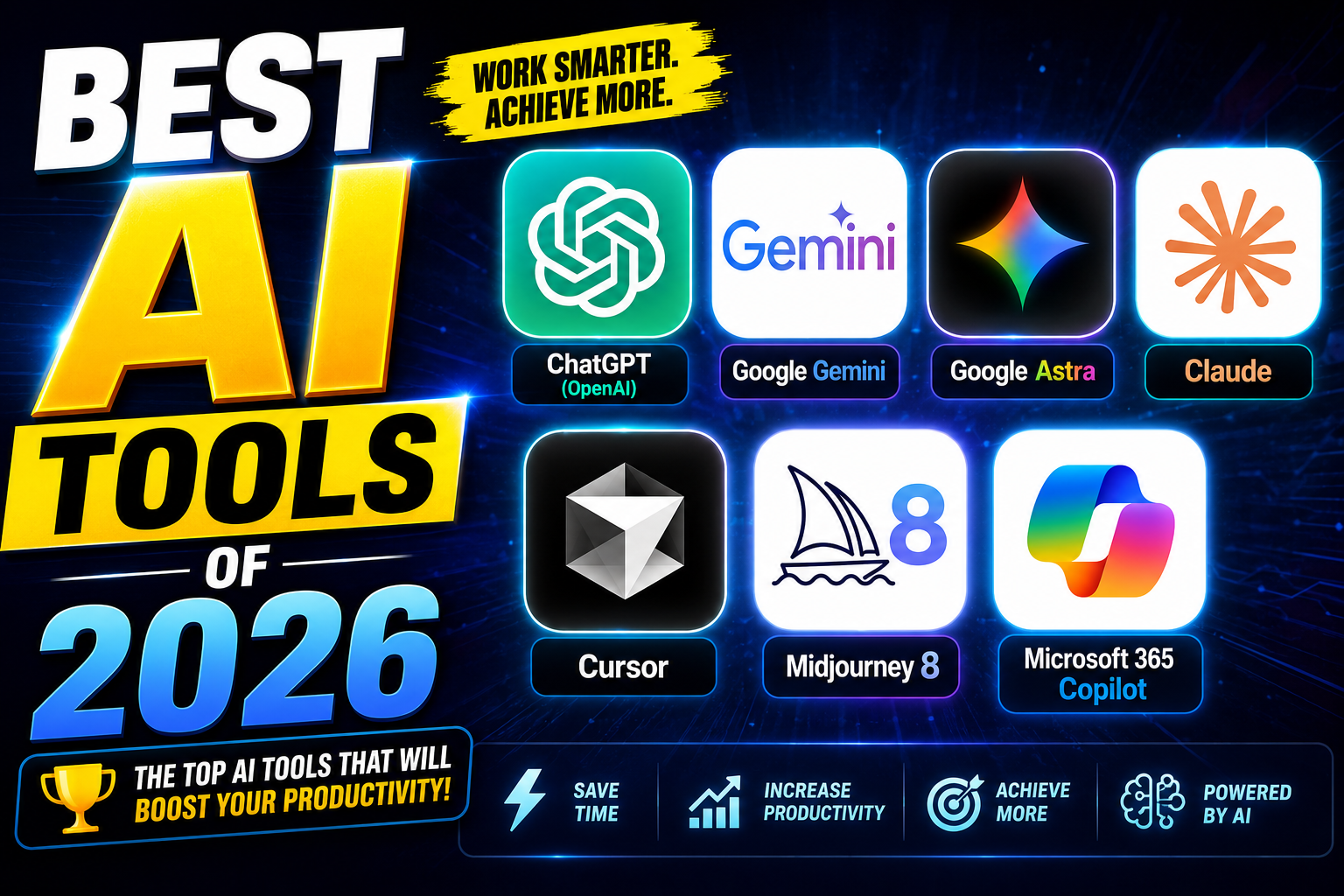
Artificial Intelligence is one of the top growing productivity boosters into the operating system of modern work. In 2026, AI tools are no longer limited to chatbots or some creative works, infect them now write code, automate research, generate videos, manage projects, summarize meetings, and even act as autonomous digital agents. We have officially entered the era of Agentic AI, where software doesn’t just answer questions but executes multi-step tasks independently. Another major shift is the integration of AI directly into workplace ecosystems such as Microsoft 365, Google Workspace, and developer environments.
This article explores the best AI tools of 2026 across productivity, coding, research, design, media generation, and business automation.
-
Best Overall AI Assistants
-
ChatGPT (OpenAI)
ChatGPT combines writing assistance, coding support, research capabilities, image understanding, voice interaction, and agent-based task execution into a single interface. That’s why it remains the most versatile AI platform available in 2026. There are many industries that consistently rank it among the best all-around AI assistants because it performs well across a broad range of tasks rather than specializing in only one area. ChatGPT-6 is one of the best AI tools of 2026 a fully agented operating system for knowledge work. It no longer waits for your prompt; it proactively monitors your digital life. ChatGPT-6 remembers everything you’ve ever discussed across any device. It builds a persistent, evolving model of your preferences, goals, and relationships. Ask, “What was the name of that startup idea I had in March 2026?” and it answers instantly.
Strengths: General conversation, creative writing, coding assistance & broad knowledge.
Weaknesses: Less specialized than tools like Harvey (legal) or Replit Ghost (coding deployment).
Best for: Everyday users, students, quick prototyping, and brainstorming.
-
Google Gemini
Google Gemini is Google’s multimodal AI assistant designed to help with writing, planning, learning, and creative tasks. It is powered by a family of large language models capable of processing text, code, images, audio, and video simultaneously. You can access it directly on the web at Google Gemini.
Strengths: Excellent Workspace integration, Strong multimodal capabilities, Real-time collaboration features, Deep document analysis and Mobile-first AI experiences.
Weaknesses: Less Maximum value comes from Google’s ecosystem & some advanced features are subscription-based.
Best for: Google Workspace users, Business teams, Researchers and Android users.
-
Google Astra (DeepMind Division)
Google Astra (DeepMind’s) prototype initiative to create a universal, real-time AI assistant that can see, hear, and understand the world. Astra 2026 remembers everything you have ever shown it through your phone’s camera or smart glasses. Point it at a circuit board, and it diagnoses faults. Point it at a whiteboard, and it turns scribbles into a Jira ticket.
Strengths: Real-time object recognition with historical recall. “Show me where I left my keys last Friday” — Astra replays the visual memory.
Weaknesses: The default for anyone working across digital and physical spaces.
Best for: Enterprise search & real-world computer vision.
-
Claude
Claude has been used for producing some of the highest-quality long-form writing among major AI systems. Writers, analysts, consultants, and technical professionals frequently choose Claude for reports, documentation, and research. Claude has ability to drag and drop files between different desktop apps, fill complex government forms, and reconcile Excel sheets without an API.
Strengths: Excellent long-context processing, Strong analytical reasoning, Natural writing style, detailed document handling and Reliable summarization.
Weaknesses: The trusted standard for regulated industries — but overkill for casual use.
Best for: Legal, medical, and coding accuracy, Authors, Consultants, Researchers and Technical writers.
-
Cursor
Cursor has become one of the most popular AI-native development environments. It integrates advanced Large Language Models directly into your development workflow to write, edit, and chat about code. It can understand entire codebases, modify multiple files simultaneously, and execute complex development workflows. Many independent rankings place Cursor among the top coding tools of 2026.
Strengths: Codebase awareness, Multi-file editing, Agent-based development, VS Code compatibility and strong developer productivity gains.
Weaknesses: Requires adapting to a new workflow.
Best for: Professional developers, Startups and Software teams.
-
Midjourney 8
Midjourney 8 (MJ8) generates 4K, 60-second video clips with consistent physics. No more melting faces or warping hands. Its “Style Lock” feature lets you generate a 30-second commercial where every frame maintains exact lighting and texture.
Strengths: When you describe a sound MJ8 generates video perfectly synchronized to that audio.
Weaknesses: The Adobe killer for motion graphics.
Best for: Cinematic video generation.
-
Microsoft 365 Copilot
Microsoft 365 Copilot is Microsoft’s enterprise-grade AI productivity layer has embedded AI across Word, Excel, PowerPoint, Outlook, Teams, and enterprise workflows. Copilot enables organizations to automate documentation, analyze spreadsheets, summarize meetings, and generate presentations with minimal effort. And also it safely processes your internal organizational files, emails, and chats via the Microsoft Graph to act as a highly contextual workspace companion.
Strengths: Deep Microsoft 365 integration, Enterprise security, Spreadsheet analysis, Presentation generation and Meeting summarization.
Weaknesses: Less attractive for users outside Microsoft’s ecosystem.
Best for: Corporate teams, Enterprise environments and office productivity users.
The Tool You Need vs. The Tool You Want
In 2026, the best AI tool depends entirely on your friction tolerance.
1.For your daily driver (email, calendar, notes, research): Use ChatGPT-6
2. For Google Assistance: Use Google Gemini.
3. For deep legal or medical accuracy: Use Claude 4.5.
4. For building software: Use Replit Ghost (or just ask ChatGPT-6 to use it for you).
5. For creative video: Use Midjourney 8.
6. For physical world / camera tasks: Use Google Astra.
7. For Microsoft: Use Microsoft 365 Copilot.
8. For AI coding: Use Cursor.
The Winner Tool:
There are many tools for different purposes but no single “best” tool for everything. But if you are a knowledge worker, a student, or a creative professional who can only afford one subscription, that subscription is ChatGPT. It is not the best video generator, the best coder, or the best legal researcher. But it is the best conductor of the entire AI field.